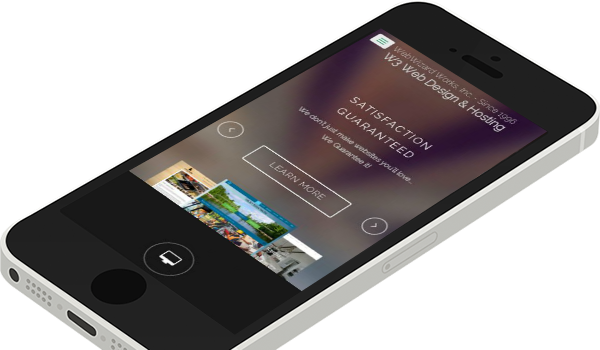
• Satisfaction Guaranteed

    We don't just make websites you'll love...
    We Guarantee it!
    Learn More
  • Free Website Edits for Life

    That's right - When we build and host your website, you can receive free minor text edits every month. Keep your visitors better informed!Learn More
  • One-Stop Website Shop

    We get your site up and running, from Domain Name Registration, Web Hosting, Web Design and Search Engine placement.Learn More
  • Here When You Need Us

    Lost your webmaster? Do you need edits made in a timely fashion? Looking for some fresh ideas to make your site more effective?Learn More
  • Get More From Your Site

    A website can be a simple online brochure, but it could also be a whole lot more. Let us show you how to get more from your website.Learn More
  • 1
  • 2
  • 3
  • 4
  • 5

Web Design

Content Management Systems

Read More

Web Hosting

Includes Free Monthly Edits

Read More

Domain Names

Registered in Your Name

Read More

The WebWizard AdvantageWe don't just build websites, we are your ongoing webmaster, here when you need us!


Web Design Guarantee

Satisfaction or your deposit back if you're not happy with your new website, that's only fair. Many, many references are available.


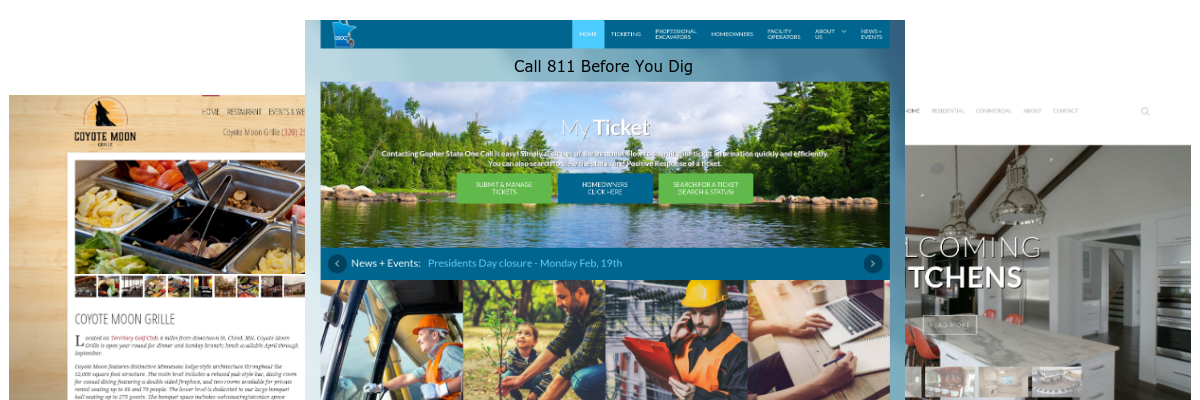
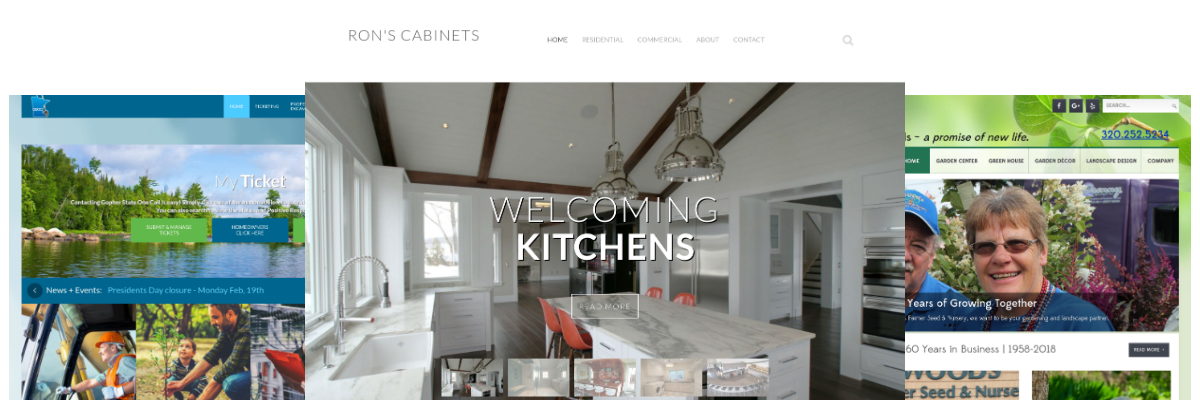
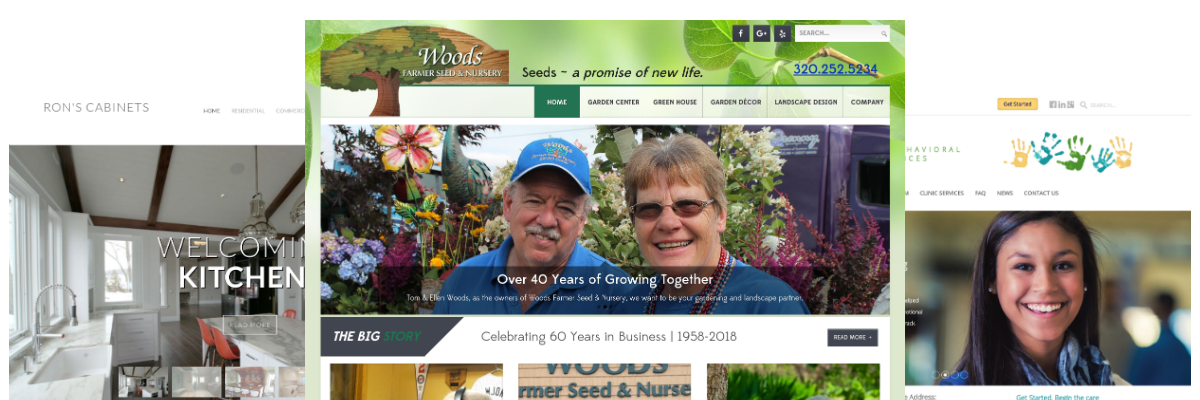
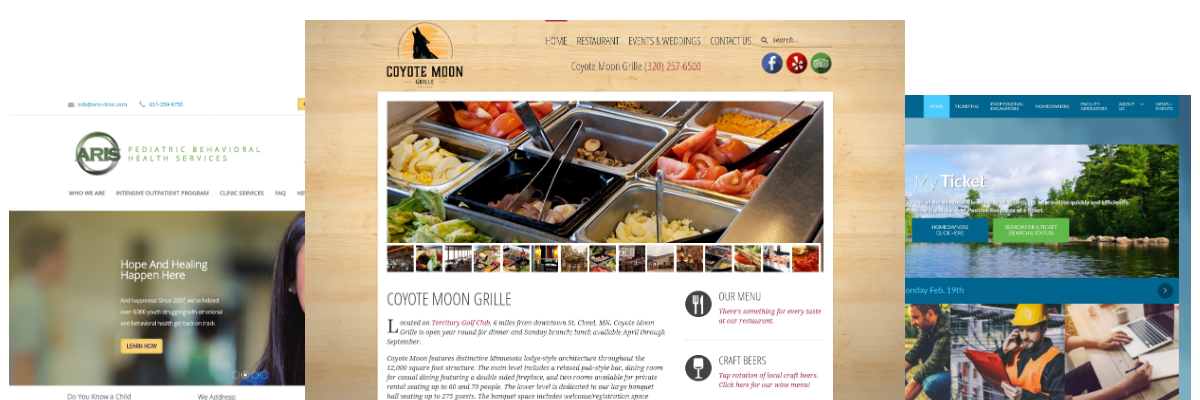
Beautiful & Effective Designs

Whether you have a design in mind or leave it to us, we'll produce a stunning website that keeps your customers engaged.


Free website Edits

An industry first. It's important to keep your site up to date and I'll help you do so without nickel-and-diming you.


Mobile Friendly

Being mobile-friendly is not just a good idea, it's a necessity. All of our websites are responsive and automatically adjust to the screen size.

St Cloud, MN Webmaster
 

What's Worse Than No Website?

A BAD website! A horrible looking website can actually steer potential customers away from doing business with you.


We Can Get You Found

Ranking high in the search engine results is rarely an accident, it takes careful planning and expert execution to accomplish.


Update - Update - Update

Things change in your company, make sure your website is up to date and is properly representing you.


One-Stop-Shop Since 1996

Domain Name Registration, Web Hosting, Web Design, and Search Engine Optimization all under one roof.

 
Satisfaction Guaranteed - W3 Web Design & Hosting

Responsive Designs

A responsive layout adapts to the viewing device, whether mobile, tablet or a small or larger desktop, to ensure your site is accessible on all devices.


Email Setup

Need help setting up your email on your local computer? This gives you step-by-step instructions for common email clients for both PC's and MAC, as well as mobile devices.

Basic information needed by most email clients.

Type: POP3


Incoming Mail Server (POP3):

  • mail.your.domain (replace your.domain with your domain name)
    • Use port 110.


Outgoing Mail Server (SMTP):

  • 1st choice) mail.your.domain (replace your.domain with your domain name)

    • Use port 25. (or if your ISP is blocking port 25, use port 587).

    • Check the box that says "SMTP server requires authentication".

  • 2nd choice) Use the SMTP server from your ISP

    • Some ISP's won't allow you to use a third party SMTP server (such as AOL, Earthlink, Cox Cable, SBC Global and a growing list) and you may need to use your local ISP's outgoing mail server instead.


Account ID = Contact us for your username if you don't already know it.
Password= xxxxxx

All other information should be left as the system defaults.


Note:

  • If you can not connect to the mail server for either incoming or outgoing email, it could be:

    • The username format you are using my not match what we use here. Hint, it will not be the same as your email address. Contact us if you are not sure what your login credentials are.

    • Your settings are set to use SSL (secure connection), please uncheck that option.

      • If you wish/need to use a secure connection for your email, contact us for the servers global secure mail server address.

  • If you can receive your email, but can not send email, the two most common problems are:

    • You have not checked the "SMTP server requires authentication" box.

    • Your ISP will not allow the use of a third party SMTP server and you need to use theirs or switch the outgoing port to 587.

What Others Have Said

  • I'm trying to reach Brian. This is Edie from (that company who's initials are 3 B's), and I'm calling you because your company has an A+ rating here. No complaints, and that's the kind of businesses we look forward to get accredited with us. We do have a lot of benefits here that can really help your business. So please give me a call back my number here is xxx-xxx-xxxx. Thanks.

    Edie

    Note: I chose not to become a paid member, however the free page they have on WebWizard Works is listed there, and as they said with an A+ rating.
  • 1
  • 2
  • 3
  • 4

Front Page Story

Ready for a beautiful and effective website?